
No desktop operating system is fastest at gaming in general. On the same hardware, a tuned Windows install and a tuned Linux install land within roughly ten percent of each other in most titles, with the winner varying by engine, graphics API and GPU vendor, while macOS trades raw frames for efficiency and a much smaller native library. The real decision is not about frames at all: it is about which set of compromises you are willing to live with, because each platform is strong exactly where another is weak.
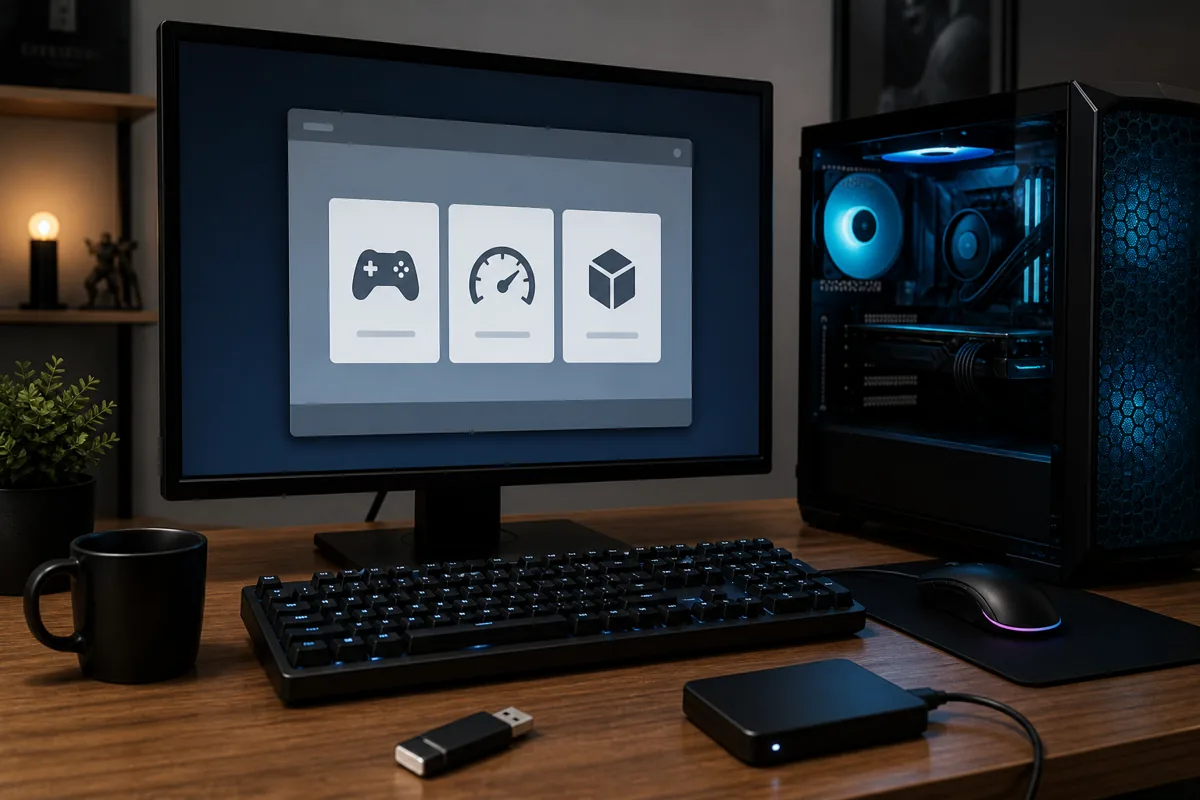
I test this on a diagnostics bench built for swap-testing, with POST cards for the ugly failures and a rack of prepared OS images so I can put the same GPU and the same drive in front of four different operating systems in an afternoon. That setup makes one thing obvious very quickly: the differences that show up in a benchmark bar chart are far smaller than the differences that show up in whether a game launches at all, whether HDR works, and whether the machine behaves the same way next month.
As an Amazon Associate we earn from qualifying purchases at no extra cost to you.





Our Top Picks
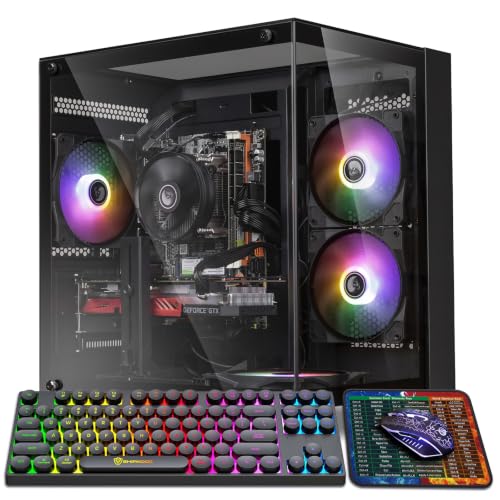
 Dell Gaming OptiPlex Desktop RGB Computer PCi7-16GB-512GB+GT1030+24 inch20 x 16 x 8 Inches25.3 PoundsCheck on Amazon


Top 3 picks at a glance
What actually determines gaming performance on a desktop OS
Before comparing platforms, it helps to know which parts of an operating system touch the frame at all. Four layers do most of the work, and almost every performance difference between platforms traces back to one of them.
The graphics driver stack. This is the largest single factor. A driver decides how efficiently your draw calls become GPU work, how shaders are compiled and cached, and how much CPU time is burned in the process. Two platforms running the same GPU can differ by double digits purely because one vendor’s driver team invested more in that platform.
The scheduler. The kernel decides which thread runs on which core and for how long. Games are latency-sensitive and unevenly threaded, so scheduling decisions show up in frame time consistency far more than in averages. Hybrid CPUs with performance and efficiency cores make this harder, because a scheduler that parks a render thread on a small core produces a visible stutter.
The translation layer, if any. Running a Windows game on Linux or macOS means translating graphics API calls and Windows system calls into something the host understands. That translation costs CPU time. It also introduces a shader compilation step that can cause first-run stutter until the cache is warm.
The present path and compositor. How a finished frame reaches the display determines whether variable refresh rate works, whether HDR is passed through correctly, and how much latency sits between render and photon. This layer is where platforms differ most in perceived smoothness, and it is almost never measured in reviews.
Windows: the default, and why it keeps that position
The strength of Windows is not technical elegance, it is that everything targets it. Every graphics vendor ships its best-tested driver here first. Every launcher, every anti-cheat, every peripheral utility, every capture tool and every mod manager is written for it. Newer graphics features, upscalers and frame generation techniques appear on this platform before anywhere else, and often only here for months.
The second strength is hardware breadth. Plug in an obscure racing wheel, a decade-old capture card or a niche audio interface and it will probably work. Nothing else in this comparison can make that claim.
The weaknesses are equally consistent. Background activity is high by default: search indexing, telemetry, update servicing and store maintenance all run on their own schedule, and they do not care that you are mid-match. On a modern eight-core CPU the average frame rate cost is genuinely small, usually low single digits, but the frame time spikes are real and they are the kind of hitch that feels worse than a lower average would.
Update behaviour is the other recurring complaint. Feature updates can reset settings, reinstall a display driver behind you, or reintroduce a fixed bug. On a machine that exists to play games, having the platform change under you without asking is a genuine cost, not just an annoyance.
Between the two recent Windows releases, the performance gap is narrow enough that it should not drive your decision on its own; the newer release has the better long-term story on driver and API support, the older one is lighter out of the box. I broke down the specific trade-offs in Windows 11 vs Windows 10 for gaming, and the summary is that the choice is about runway, not frames.
Linux, part one: what it genuinely does better
Linux gaming stopped being a curiosity when a mature compatibility layer made most Windows titles run without configuration. Today the strengths are concrete.
Background load is a fraction of the Windows default. A minimal desktop can idle with a handful of processes and no scheduled maintenance, which produces noticeably cleaner frame time graphs even where average frame rates are equal or slightly lower. On CPU-bound titles I have repeatedly measured better 1 percent lows on Linux while the average sat a few percent behind, and to the hands that difference favours Linux.
Update control is absolute. Nothing installs itself, nothing reboots you, and on a filesystem with snapshots you can roll a bad update back in under a minute. For a machine you rely on, that is a meaningful reliability advantage.
The open-source AMD driver stack is the standout technical win. It is built into the kernel, it does not require a separate installer, and in many titles it matches or beats the vendor’s own Windows driver in CPU overhead. If you own a Radeon card, Linux is a genuinely competitive platform rather than a compromise.
Finally, hardware longevity. Older GPUs and older CPUs keep receiving support long after they drop off vendor priority lists elsewhere, and lightweight desktops make modest machines feel far quicker than a heavyweight platform does.
Linux, part two: the weaknesses nobody should gloss over
Anti-cheat is the wall. A number of large competitive titles use kernel-level anti-cheat whose publishers have chosen not to enable the Linux path, and that decision is a policy choice, not a technical limitation you can work around. If your weekly rotation includes one of those games, the conversation ends there.
The proprietary NVIDIA driver situation has improved a great deal but still asks more of you than the AMD stack does. Driver and kernel updates must stay in step, and a mismatch can leave you at a text console. On rolling-release systems that risk is higher because both move often.
Shader compilation stutter is the performance weakness people feel first. The translation layer must compile shaders that a Windows game would have received precompiled, so first encounters with new effects can hitch. Precached shader downloads help enormously, but coverage is not universal and a fresh install of an obscure title will stutter until the cache fills.
Peripheral software is thin. RGB suites, fan-curve utilities, headset mixers and wheel configuration tools are often community reimplementations with partial feature coverage. That is fine for a keyboard and mouse and frustrating for a complex sim rig.
HDR and multi-monitor variable refresh rate have both moved from broken to workable, but they still depend on which desktop session you use, and support is not uniform. Verify before you buy a display specifically for those features.
The distribution families, and why the choice matters less than you think
People overweight the choice between Linux distributions. The kernel, the graphics stack and the compatibility layer are the same components everywhere; what differs is how current those components are, how they are updated, and how much is preconfigured.
| Family | Update model | Strength for gaming | Main weakness |
|---|---|---|---|
| Arch-based | Rolling | Newest kernel, Mesa and compatibility tooling first | More frequent breakage risk, more attention needed |
| Fedora-based | Fast release cycle | Very current stack with more testing than rolling | Version upgrades once or twice a year |
| Ubuntu-family | Fixed release | Widest third-party support, most documentation | Older graphics stack unless you add repositories |
| Immutable images | Atomic | Reliable, rollback built in, hard to break | Less freedom to modify the base system |
| Console-style images | Atomic | Best out-of-box controller and TV experience | Not intended as a general desktop |
The practical rule is that a current graphics stack matters and everything else is preference. A distribution six months behind on Mesa can lose real frames in new titles; two distributions on the same Mesa version will perform within noise of each other. If you want the reasoning behind picking one family over another, I set it out in Arch vs Fedora for gaming, and the broader shortlist lives in the best Linux distro for gaming.
macOS: efficiency, discipline, and a library problem
Apple silicon Macs are genuinely impressive engineering for sustained workloads. Performance per watt is in a different class, the machines stay quiet and cool under load, and the display and audio pipelines are exceptionally well behaved.
The weakness is the library. Native ports are a small fraction of what exists elsewhere, and while Apple’s translation tooling has made more Windows titles technically runnable, running is not the same as running well. The overhead of translating both the graphics API and the CPU instruction set stacks up, and results range from surprisingly good to unplayable with no easy way to predict which.
Upgradability is the other structural weakness. There is no swapping a GPU in three years, so the machine you buy is the machine you keep. For anyone whose primary use is gaming, that makes a Mac an expensive way to get a limited catalogue, however good the hardware is at everything else.
Where a Mac makes sense is a household where the machine is primarily for work and occasionally for games, particularly with cloud streaming filling the gaps. That combination works well and the hardware never complains.
Thin clients and streaming-first systems
ChromeOS and similar lightweight platforms are the odd entry here because they largely sidestep local rendering. Their strength is that they are cheap, silent, effectively maintenance-free and boot in seconds, and that a streaming session looks identical on a modest machine and an expensive one.
The weakness is total dependence on your network and on someone else’s servers. Added latency of roughly 15 to 40 milliseconds over a good wired connection is tolerable for slower genres and disqualifying for competitive shooters. Library access depends on which services carry which titles, and that changes without your consent.
Treated as a supplement rather than a replacement, this category is useful. Anyone considering it should read the comparison of cloud gaming services first, because the differences between providers matter far more than the client device does.
Feature parity: the table most comparisons skip
Frame rate is the easiest thing to measure and rarely the thing that ruins an evening. Feature support is what actually decides whether a platform is usable for a given setup.
| Capability | Windows | Linux | macOS |
|---|---|---|---|
| Breadth of playable library | Complete | Large, with anti-cheat gaps | Limited |
| Kernel anti-cheat titles | Supported | Often blocked | Mostly unavailable |
| Vendor upscaling and frame generation | First and fullest | Follows, mostly works | Platform-specific approaches |
| HDR output | Mature | Workable, session dependent | Excellent |
| Variable refresh rate | Mature | Good, weaker on multi-monitor | Supported on Apple displays |
| Peripheral and RGB software | Complete | Partial, community built | Partial |
| Update control | Weak | Total | Moderate |
| Rollback after a bad update | Limited | Snapshot rollback | Limited |
Read that table as a set of veto conditions rather than a score. One blocked anti-cheat title in your rotation outweighs a five percent frame rate advantage. One display feature you paid for and cannot use outweighs a cleaner update model.
Where the frames actually go
The numbers people quote for translation overhead vary wildly because they are measuring different bottlenecks. Splitting the cases makes the picture much clearer.
GPU-bound scenes. Translation costs almost nothing here, because the CPU has spare time to do the extra work while the GPU is the limiter. Differences of one to three percent are common and often inside run-to-run variance.
CPU-bound scenes. This is where translation shows. Draw-call-heavy strategy titles and open worlds with dense simulation can give up five to fifteen percent, occasionally more in engines that make unusually heavy use of Windows-specific system calls.
Frame time consistency. The direction reverses here surprisingly often. A lean Linux install with a low-latency scheduler frequently produces tighter 1 percent lows than a stock Windows install even where the average is lower, because there is simply less running that can interrupt the render thread.
Vendor asymmetry. The open-source AMD driver narrows or erases the gap on Linux. The proprietary NVIDIA path has closed most of its historical deficit but is still the one more likely to need attention after an update.
My standing advice is to stop optimising for average frame rate. Between two platforms within ten percent of each other, the one with better frame pacing and fewer interruptions will feel faster, and that judgement cannot be made from a bar chart.
Matching the platform to how you actually play
Rather than declaring a winner, match the profile.
- Competitive shooters with kernel anti-cheat. Windows, without hesitation. Nothing else is a real option.
- Single-player, large back catalogue, Radeon GPU. Linux is genuinely excellent, often with better consistency and always with better update control.
- Mixed library, GeForce GPU, low tolerance for maintenance. Windows, or Linux only if you enjoy the tinkering as an activity in its own right.
- Living room and controller-first. A console-style image on dedicated hardware beats both for the specific job of sitting down and playing.
- Work machine that occasionally games. macOS is fine, supplemented by streaming for anything missing.
- Old hardware you want to keep alive. A lightweight Linux desktop, which will noticeably outperform a heavy platform on constrained RAM and older storage.
If your library straddles the divide, dual booting remains the honest answer rather than a failure to commit. Two drives is cleaner than two partitions, and it removes an entire category of bootloader problems; the process and the pitfalls are laid out in how to dual boot Windows and Linux for gaming.
How to test this yourself without wasting a weekend
You do not need my bench to make an informed decision, but you do need a controlled method. Guessing from forum posts about other people’s hardware is how most bad switches happen.
- Write down the five games you actually played most in the last month. Not the ones you own, the ones you played. Check each against community compatibility reports before anything else.
- Boot a live image from a USB drive and confirm the basics on your specific hardware: display output at native resolution and refresh rate, wired and wireless networking, audio to your usual output, and your controller.
- Install to a spare drive rather than resizing your existing one. Physical separation makes reverting trivial.
- Benchmark one CPU-bound title and one GPU-bound title with the same settings on both platforms, three runs each, and record 1 percent lows alongside averages.
- Live with it for two weeks before deleting anything. Compatibility problems surface on day nine, not day one.
That process costs a spare drive and a couple of evenings, and it replaces every argument about which platform is faster with an answer specific to your hardware and your library. For the narrower question of a console-style image against a standard desktop install, the direct comparison in SteamOS vs Windows for gaming covers the same ground with a tighter focus.
Input latency, the measurement that separates platforms
Average frame rate is the number everyone quotes and one of the least useful for comparing platforms, because it says nothing about how long your mouse movement takes to reach the screen. That path runs from the USB stack through the input handling layer, into the game loop, out through the graphics driver and finally through the compositor to the display, and every operating system builds that chain differently.
Windows has the advantage of raw input paths that game engines have targeted for decades, plus mature exclusive fullscreen behaviour that hands the display over to the game and removes the compositor from the equation entirely. That is worth a few milliseconds and it is the reason competitive players still ask for exclusive fullscreen rather than borderless.
Modern Linux desktop sessions composite everything, which historically added latency, though direct scanout paths now let a fullscreen window bypass the compositor in most sessions.
macOS is the most consistent of the three and the least configurable. The compositor is always present, the frame pacing is excellent, and there is very little you can adjust. For most genres that is an entirely acceptable trade; for a competitive shooter it is a hard ceiling.
The practical takeaway is to test with your own hardware and your own settings rather than trusting a chart. Turn off any borderless-window compromise, confirm your display is running at its full refresh rate with variable refresh active, and only then compare. A configuration mistake at this layer costs more latency than any platform difference.
Load times, storage handling and the parts of the day you notice
Frame rate occupies the conversation because it is easy to measure, but the parts of a session you actually feel include how long a game takes to load, how fast a shader cache warms, and whether the system stalls while something updates in the background.
Storage handling differs more than most people expect. Windows has invested heavily in APIs that let a game stream compressed assets and decompress them on the GPU, and where a title supports that path the load time reduction is substantial. Linux equivalents exist and continue to mature, but coverage is uneven and depends on both the title and the translation layer version.
Filesystem choice cuts the other way. A copy-on-write filesystem with transparent compression, which is the default on several gaming-focused Linux distributions, reduces bytes read from the drive and gives you snapshot rollback as a side effect. On a SATA SSD that compression is measurable in load times; on a fast NVMe drive the effect is small enough to ignore, but the rollback capability remains valuable regardless of storage speed.
Shader caching is the third factor and the most annoying to live with. A native Windows title receives precompiled shaders. A translated title has to build them, so a first playthrough on Linux can hitch in ways it never will on Windows, and a driver update can invalidate the cache and bring the hitching back for one session.
Add these together and the picture changes slightly from the frame rate story. Windows tends to win on first-run smoothness and streaming-heavy load times. Linux tends to win on steady-state consistency and on the reliability of getting back to a working state after something goes wrong. Neither advantage appears in a benchmark chart, and both of them shape how the machine feels over a month.
The honest summary
Windows wins on compatibility and loses on control. Linux wins on control, consistency and cost of ownership, and loses on anti-cheat titles and peripheral software. macOS wins on efficiency and polish and loses on library and upgradability. Streaming-first platforms win on simplicity and lose on latency and independence.
Nobody is going to hand you a single answer, because the correct choice is determined by the five games you play and the two hardware features you care about, not by an average frame rate across a suite of titles you will never launch. Work out your veto conditions first, then pick the platform that does not trip any of them, and only then start arguing about percentages.
Related guides
- Best Gaming PC for Overwatch 2: Ten Prebuilts Matched to Your Monitor (2026)
- Best Gaming PC for Baldur’s Gate 3: Matching CPU, VRAM and Storage to the Game (2026)
- Best Gaming PC for Apex Legends: Which Listings Fit a High-Refresh Setup (2026)
- Best RTX 3060 Gaming PCs: Eight Prebuilt Listings Compared by CPU, RAM and Cooling (2026)









