
Shopping for an HP laptop under 300 dollars means accepting a very specific trade: you get a familiar brand, a decent 14-inch screen, and a real keyboard, but you give up power. Every machine at this level runs a low-wattage processor, a small amount of memory, and compact storage, so the choice is not about finding speed. It is about deciding which compromise annoys you least, and whether you want Windows, ChromeOS, or a refurbished unit that stretches the spending tier further.
This guide is for people who need a second computer for a kid, a dorm-room machine for notes and streaming, a travel laptop you will not mourn if it gets scratched, or a simple device for a relative who mostly browses and video chats. We rank five 14-inch HP options strictly from the details in their titles, with an eye on memory, storage type, operating system, and whether the unit is new or renewed. Anyone planning heavy gaming, video editing, or big spreadsheets should shop a higher tier in 2026.
Our Top Picks
 HP 14" HD Chromebook Laptop for StudentsN4120|64GB eMMC12.85 x 8.94 x 0.72 inches3.35 poundsCheck on Amazon
 HP Ultrabook 14 Laptop Computer Business Study &4GB RAM | 128GB Storage12.76 x 8.86 x 0.71 inches3.24 PoundsCheck on Amazon

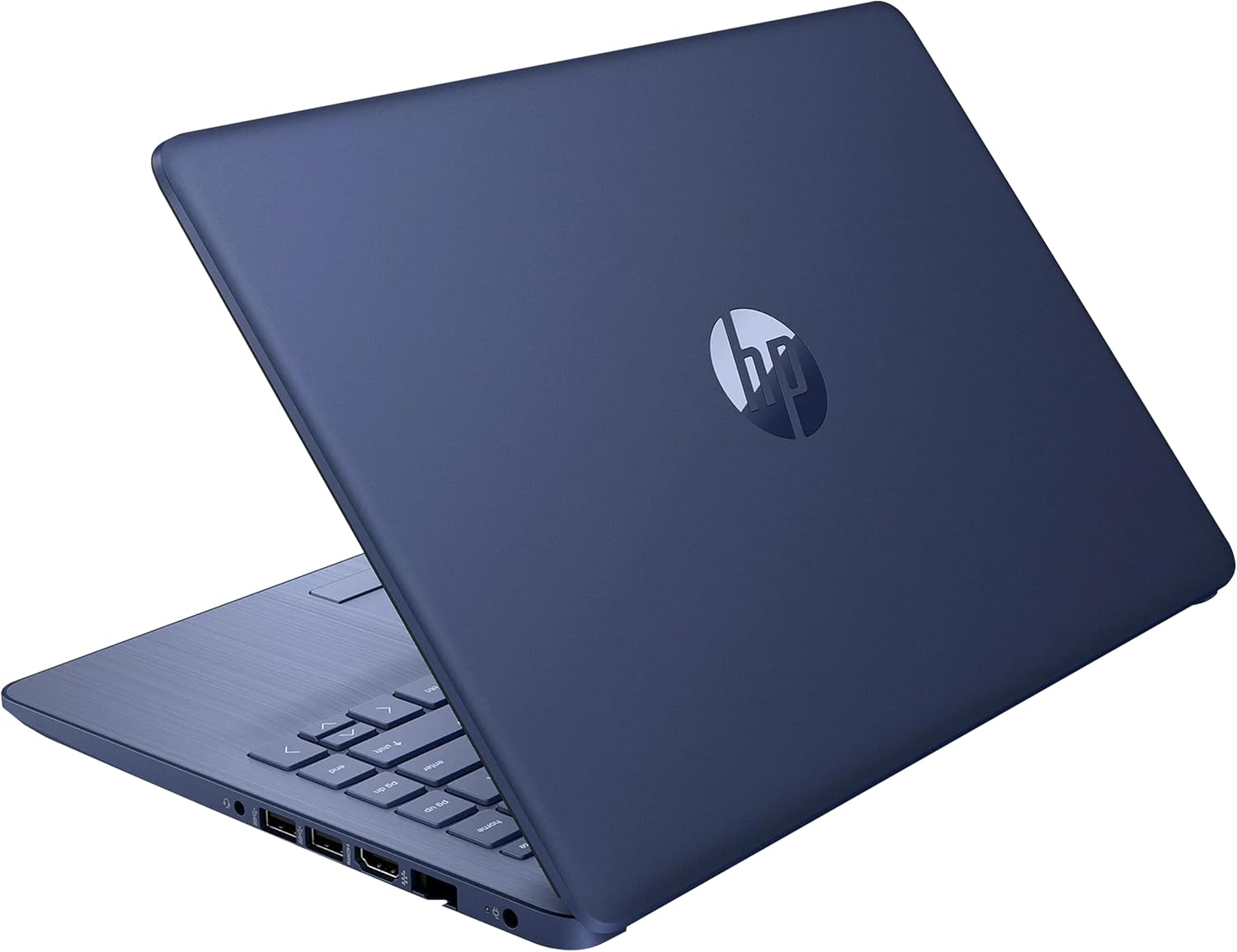
Top 3 picks at a glance
Quick Picks
As an Amazon Associate we earn from qualifying purchases at no extra cost to you.





| Product | Best for | Key spec from the title |
|---|---|---|
| HP 14 Laptop with Intel N150 | New Windows laptop for everyday use | Intel N150, 4GB RAM, 128GB UFS, one-year Microsoft 365 Personal |
| HP 14 Celeron Laptop (Renewed) | Lowest-cost Windows option | Celeron dual-core up to 2.60GHz, 4GB RAM, 64GB SSD |
| HP 14 Chromebook | Students and web-only users | Quad-core N4120, 64GB eMMC, 14 hours battery listed |
| HP Ultrabook 14 | Home and study with office tools | Quad-core Intel CPU, Windows 11 Home, MS Office for the Web |
| HP Stream 14 with N150 (Renewed) | Wi-Fi 6 and fast charging on a refurbished unit | N150, 4GB RAM, 128GB UFS, Wi-Fi 6, fast charge |
How to Choose
Memory and storage set your real ceiling
Four gigabytes of RAM is the norm at this tier and it is tight. Windows 11 with a modern browser and a handful of tabs will use most of it, so expect to close tabs and avoid heavy multitasking. Storage is another limit: 64GB fills fast once Windows updates install, and 128GB gives more breathing room. Know the types, too. An SSD is faster than eMMC, and UFS sits in between, so a 128GB UFS drive and a 64GB SSD are not apples to apples. Plan on a USB drive or cloud storage for files, and consider moving photos off the laptop as soon as you import them. A nearly full internal drive slows updates and can block them entirely, which is a common source of frustration on these small-storage machines.
Processor class matters less than you think
Intel N150, N4120, and Celeron chips are all low-power processors built for browsing, video calls, documents, and streaming. Differences between them show up when you push them: more cores help with many tabs, newer generations handle video better. Do not chase marketing comparisons printed in titles. Judge by the listed core count, the memory, and the storage together. If you plan to run only a browser, a Chromebook can feel quicker than a Windows machine with the same hardware, because the operating system asks less of the processor and memory. Battery life tends to follow the same pattern, so the lighter system often lasts longer away from a charger.
Windows, ChromeOS, or refurbished
Windows gives full desktop software compatibility, which matters for school tools and legacy programs. ChromeOS is lighter, boots quickly, and suits web apps and Google tools. Renewed units cost less but come with a used battery and cosmetic wear, so read the seller’s warranty terms and the condition grade. If you buy renewed, plan to run a battery report on day one. New units give clean hardware and fresh warranty coverage, but fewer extras fit the same spending tier. Whichever route you take, keep the charger and original packaging for returns, and set up a backup before the first week is over.
What to ignore and where corners get cut
Ignore claims of beating a pricier chip, which compare unlike things. Ignore bundled software unless you will use it; a one-year subscription runs out. Budget laptops commonly trim display quality, with an HD panel instead of full HD, thin plastic bodies, modest speakers, and a single weak port selection. Look for a webcam and the ports you need, including HDMI or USB-C if you plan to connect a monitor or charge in new ways.
The 5 Best Options
HP 14 Laptop with Intel N150
This is the most complete new Windows 11 option here. The title lists a 14-inch HD display, an Intel N150 processor, 4GB of RAM, 128GB of UFS storage, Intel graphics, and a one-year Microsoft 365 Personal subscription. It fits a student, a home user, or a retiree who wants a clean, new machine for email, documents, and streaming. Power users and anyone who edits video or runs many programs will find 4GB limiting and should look at higher tiers. It is a good fit for households that want one tidy machine on the kitchen counter for recipes, bills, and video calls.
- Strength: 128GB of storage gives more room than the 64GB models.
- Strength: Includes a one-year Microsoft 365 Personal subscription per the title.
- Trade-off: 4GB of RAM limits multitasking.
HP 14 Celeron Laptop (Renewed)
This renewed model runs Windows 11 on an Intel Celeron dual-core processor up to 2.60GHz with 4GB of RAM, a 64GB SSD, and a webcam. It is the lowest-cost route into Windows on the list and suits someone who needs a basic machine for web pages, school documents, and video calls. Because it is renewed, battery wear and cosmetic marks are possible, and the 64GB drive fills quickly. Buyers who want a fresh battery or more storage should skip it. Treat it as a stopgap or a secondary machine rather than a primary computer you plan to keep for many years.
- Strength: Runs Windows 11 with a webcam at a budget-tier cost.
- Strength: SSD storage is faster than eMMC.
- Trade-off: Renewed condition and 64GB capacity both limit long-term value.
HP 14 Chromebook
This HP Chromebook uses an Intel quad-core N4120 with 4GB of RAM and 64GB of eMMC storage. The title lists Wi-Fi, a webcam, HDMI, USB-A and USB-C ports, and 14 hours of battery life. It is a sensible pick for students and families who live in the browser and Google tools, and the port selection helps with monitors and accessories. Anyone who needs Windows-only software, or who stores many large files locally, should avoid a Chromebook. The mix of ports also means fewer adapters in the bag, which matters when you move between classrooms or a shared desk.
- Strength: Listed 14-hour battery suits a full school day.
- Strength: Offers HDMI plus both USB-A and USB-C.
- Trade-off: ChromeOS cannot run traditional Windows programs.
HP Ultrabook 14
The Ultrabook 14 is pitched at business, study, and home use. The title lists a quad-core Intel CPU, Windows 11 Home, and lifetime Microsoft Office for the Web. That makes it appealing to buyers who want a thin-and-light style Windows laptop with free browser-based office tools. The listing offers limited detail on memory and storage, so confirm those before buying. Anyone who needs the desktop version of Office should treat web-only access as a limitation. Look at the full listing for the memory and storage details before deciding, since those numbers shape daily speed more than the processor label.
- Strength: Quad-core Intel processor with Windows 11 Home.
- Strength: Includes Microsoft Office for the Web per the title.
- Trade-off: The title omits RAM and storage figures, so verify them.
HP Stream 14 with N150 (Renewed)
The renewed Stream 14 pairs an Intel N150 processor with 4GB of RAM and 128GB of UFS storage, and the title adds a webcam, Wi-Fi 6, fast charging, Copilot, and Windows 11. It suits someone who wants the newer N150 platform and faster Wi-Fi without paying the new-unit tier. Fast charge helps on busy days. As with any renewed machine, battery condition is the wild card, so buyers who need guaranteed battery life should pick a new unit. Fast charging is especially useful for students who forget to plug in overnight and need a quick top-up between classes.
- Strength: Wi-Fi 6 and fast charging listed in the title.
- Strength: 128GB of UFS storage and the N150 processor.
- Trade-off: Renewed condition means battery wear is possible.
Which One Fits Your Situation
You want a new Windows machine for a student
The HP 14 Laptop with Intel N150 is the cleanest pick. It has new hardware, 128GB of storage, and a one-year Microsoft 365 subscription for assignments.
You live inside a web browser
Choose the HP 14 Chromebook. Its listed 14 hours of battery and its full set of ports make it an easy daily carry for a school or office.
You are on the tightest possible budget
The HP 14 Celeron Laptop (Renewed) lowers the cost of entry to Windows. Accept the limits of 64GB storage and a used battery, and keep files in the cloud.
You want newer Wi-Fi and faster charging
The HP Stream 14 with N150 (Renewed) adds Wi-Fi 6 and fast charge to the N150 platform. If you want those features with a fresh battery, the new HP 14 with N150 is the safer choice.
Common Mistakes
- Expecting a laptop in this tier to handle gaming, video editing, or dozens of browser tabs.
- Comparing storage by number alone without noting that SSD, UFS, and eMMC perform differently.
- Buying a Chromebook and then discovering a required program only runs on Windows.
- Skipping the condition and warranty terms on renewed units, then finding a worn battery.
- Counting a one-year software subscription as a permanent feature.
Related guides
- Windows Macos Linux Gaming Performance Comparison Strengths Weaknesses
- Desktop Operating Systems Gaming Performance Strengths Weaknesses
- 5G Home Internet Wifi Modem Settings Low Latency Gaming
Frequently Asked Questions
Is 4GB of RAM enough?
It works for light browsing, documents, and video calls, but it is tight on Windows 11. Close unused tabs and avoid heavy apps. If you can stretch the budget, more memory is the single best upgrade, and it matters more than a slightly newer processor name on the box. Also try to keep startup programs to a minimum, since each one eats into that small pool of memory.
Should I buy a Chromebook or a Windows laptop?
Pick a Chromebook if you only use web apps and Google tools. Pick Windows if you need desktop software or want maximum compatibility with school or work programs.
Are renewed laptops worth it?
They can be, if the seller provides a clear condition grade and a warranty. Expect possible cosmetic wear and a used battery, and run a battery check right away. Keep the return window in mind, because problems with a used battery tend to show up in the first few charge cycles rather than on day one.
How much storage do I need?
For a laptop used mostly online, 64GB is the bare minimum and 128GB is more comfortable. Store photos and large files in the cloud or on a USB drive to keep the internal drive from filling up. Cloud sync for documents and a small external drive for everything else is a cheap habit that prevents most low-storage problems.









