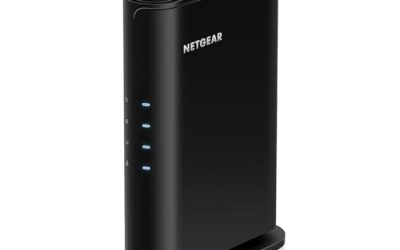
Starlink owners end up shopping for a router for three different reasons: the original unit stopped working, the signal does not reach the far end of the house or the barn, or they want features the stock router lacks, such as mesh expansion, extra Ethernet ports, or better control over connected devices. The keyword hides a compatibility question first and a performance question second. Before comparing speeds, you have to know which dish generation you own, because router connectors and bypass options differ across Gen 2, Gen 3, Gen 4, and the Mini kit.
This guide is for rural homeowners, RV and cabin users, and anyone running satellite internet who needs a replacement or upgrade that works behind or instead of the stock hardware. Because the listings include both official gear and third-party routers, the comparison leans on what each title actually claims about compatibility, Wi-Fi standard, and device capacity. Read the compatibility language closely, confirm your dish generation in the Starlink app, and treat any 2026 listing that does not name your model as unconfirmed.
Our Top Picks
Top 3 picks at a glance
Quick Picks
As an Amazon Associate we earn from qualifying purchases at no extra cost to you.


| Product | Best for | Key spec from the title |
|---|---|---|
| STARLINK Gen 3 Wi-Fi Router | Direct replacement of the stock router | WiFi 6, dual band, for Gen 3, Gen 4 and Mini kit |
| Mini Mesh Wi-Fi Router (Gen 2, 3, 4 and Mini) | Households with many connected devices | Dual band, mesh-ready, 128+ devices |
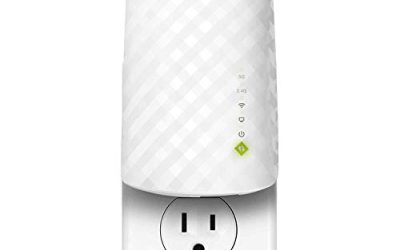
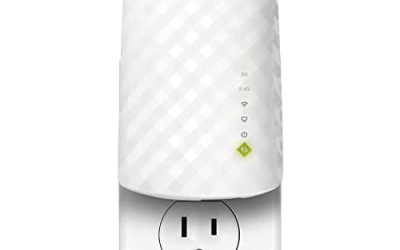
| WiFi Router Mini, Compact Dual Band | Travel, RV, and small-space setups | Compact, mesh compatible, travel-friendly |
| Generic Router for Gen 3 Kit | Replacement router that also extends coverage | WiFi 6, repeater and mesh solution |
| TP-Link AX1800 (Archer AX21 V5) | Adding a standard router behind the dish | WiFi 6, dual band, gigabit ports, EasyMesh |
How to Choose
Confirm your dish generation first
Starlink hardware has changed several times. Some dishes connect to the router with a proprietary cable, some have an Ethernet port, and the Mini kit uses its own power and connectivity arrangement. A router that names Gen 2, Gen 3, Gen 4, or Mini in its title is addressing that compatibility directly. A router that does not name your dish may still work behind it, but you may need an adapter or the dish’s bypass setting, and if you leave the stock router active you can end up with two routers doing network address translation on top of each other. Look up your model in the Starlink app and in the manufacturer’s support pages before buying.
Wi-Fi standard, bands, and device count
Wi-Fi 6 is the sensible floor these days. It handles more simultaneous devices than older standards and manages congestion better, which helps when a house of phones, laptops, and streaming boxes all share one satellite link. Dual band means a 2.4 GHz band for range and a 5 GHz band for speed. Device-count claims, such as 128 or more devices, are theoretical ceilings. Your real limit is the satellite connection itself, so do not pay for a router whose capacity far exceeds your household’s needs.
Mesh and coverage
Satellite internet speeds are usually modest compared with fiber, so poor router placement wastes what you have. If your dish sits in a yard and the house spans several rooms or floors, mesh-ready routers let you add nodes without replacing the base unit. Look for mesh compatibility in the title, and note whether the standard is open, such as EasyMesh, or tied to a single brand. A compact mesh node near the farthest room often beats a stronger single router in the middle. Wired backhaul, where nodes connect by Ethernet cable, works better still if you can run a cable to an outbuilding or upstairs room.
What to ignore, and where third-party models cut corners
Ignore marketing speed totals that add up bands; a real connection is limited by the satellite link. Be careful with no-name routers that use broad words like “compatible” without naming your dish, and with sellers who list “ONLY Router” because power supplies and cables may not be included. Generic units may cut corners on firmware support, security updates, and documentation. If you depend on the connection for work, a router from a known networking brand or the official Starlink router lowers risk. Also ignore decorative details such as color and slogans about being all-in-one; what matters is the standard, the ports, and the support behind the product.
The 5 Best Options
STARLINK Gen 3 Wi-Fi Router
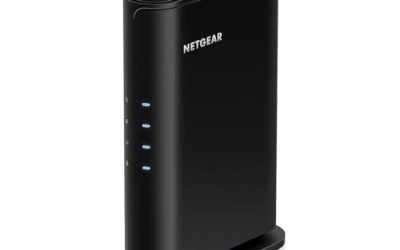
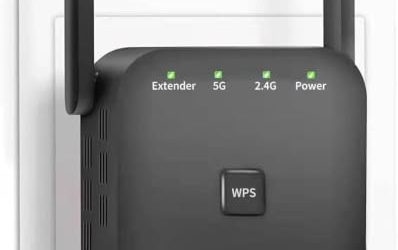
This is the official router, and the title says it provides high-speed Wi-Fi 6 on dual bands for Gen 3, Gen 4, and Mini kit systems. It is the safest choice for anyone who needs a like-for-like replacement and wants to avoid compatibility guesswork. It suits owners whose original router failed or who need a spare. Buyers who need a larger mesh network, a lot of Ethernet ports, or advanced settings may find it limited and should consider a third-party router behind it. It also makes a sensible spare to keep on hand for a remote property where a failed router means days offline.
- Strength: Made for the system, with compatibility named for Gen 3, Gen 4, and Mini.
- Strength: Wi-Fi 6 on two bands.
- Trade-off: Basic feature set compared with a dedicated networking router.
Mini Mesh Wi-Fi Router (Gen 2, 3, 4 and Mini)
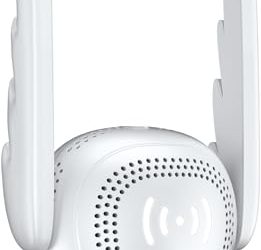
This third-party mesh-ready unit claims compatibility with Gen 2, Gen 3, Gen 4, and Mini systems, with dual-band operation and support for 128 or more devices. The breadth of compatibility is its main selling point, as is the mesh-ready design for expanding coverage. It suits a household with many smart devices and a dish generation that is hard to match. The title does not state the Wi-Fi standard, so verify it. Buyers who want a known brand’s firmware support should look elsewhere. Anyone placing it in a shared or rental property should also confirm that the admin settings and password reset steps are clearly documented.
- Strength: Names four Starlink generations in its compatibility list.
- Strength: Mesh-ready with a large device count listed.
- Trade-off: Wi-Fi generation is not stated, so confirm before purchase.
WiFi Router Mini, Compact Dual Band
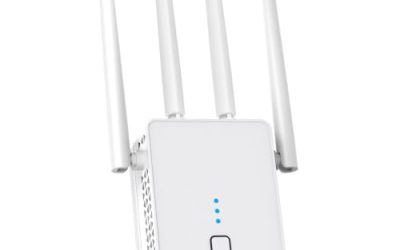
This compact white router is sold as dual band, mesh network compatible, and travel-friendly, with compatibility for Starlink V4 and other generations named in the listing. Its small footprint makes it a natural fit for RVs, cabins, and tight shelves. It is a convenience pick rather than a performance one. Buyers with a large house or heavy usage, or those who want a documented Wi-Fi standard, should step up to a bigger unit. For a seasonal cabin it can live in a drawer between trips, which is part of its appeal.
- Strength: Small, travel-friendly design.
- Strength: Mesh network compatible and dual band.
- Trade-off: The title gives no Wi-Fi standard or device capacity.
Generic Router for Gen 3 Kit
This router is listed as compatible with the Gen 3 kit, offering Wi-Fi 6 and a combined repeater and mesh approach. The “ONLY Router” note in the title warns that it ships without other kit parts, so confirm what is in the box. It suits owners of a Gen 3 system who want a straight replacement with Wi-Fi 6 at a lower spending tier than the official router. People with other dish generations, or buyers who need brand-backed support, should skip it. Buyers should also verify the return window, because unnamed brands can be harder to reach if the unit arrives faulty.
- Strength: Wi-Fi 6 with a built-in extension and mesh role.
- Strength: Aimed squarely at the Gen 3 kit.
- Trade-off: Generic branding and router-only contents add uncertainty.
TP-Link AX1800 (Archer AX21 V5)
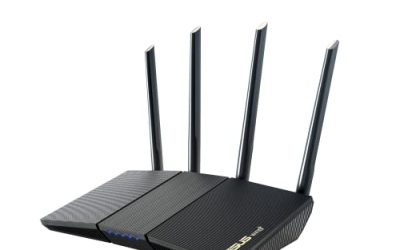
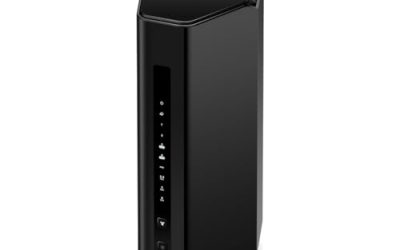
The Archer AX21 is a conventional Wi-Fi 6 router with dual band operation, gigabit ports, EasyMesh support, and Alexa compatibility. It is not branded for Starlink, so it is for owners who want to run a respected networking router behind the dish, usually with the dish set to bypass its own router and an adapter where needed. It is a strong fit for people who want standard settings and mesh expansion. Anyone after a drop-in replacement with minimal setup should choose a model made for the dish. Its Alexa compatibility is a small bonus for households that already use voice assistants to manage the network.
- Strength: Gigabit ports and EasyMesh for flexible home networking.
- Strength: Wi-Fi 6 from an established networking brand.
- Trade-off: Not marketed for Starlink, so setup may need an adapter or bypass step.
Which One Fits Your Situation
Your original router died and you want zero guesswork
Buy the STARLINK Gen 3 Wi-Fi Router. It is designed for the system and names the supported generations.
You live in a larger house with many devices
The TP-Link AX1800 behind the dish gives you gigabit wired ports and EasyMesh to add nodes. The Mini Mesh router is a lower-friction alternative if you prefer a Starlink-named listing.
You travel in an RV or work from a cabin
The compact WiFi Router Mini fits small spaces and is described as travel-friendly, which helps when every shelf and outlet matters.
You own a Gen 3 kit and want a lower-cost swap
The Generic Router for Gen 3 Kit targets that exact setup. Confirm the contents and return terms before you rely on it for work, and keep the old router as a fallback until the new one has proven stable through a few weeks of use.
Common Mistakes
- Buying a router without confirming which Starlink dish generation you own.
- Forgetting that some dishes need an Ethernet adapter or bypass mode to use a third-party router.
- Trusting device-count claims as if they described real speed instead of a theoretical limit.
- Placing the router in a corner or basement rather than a central spot, then blaming the satellite link.
- Buying a listing marked “router only” and assuming the power supply or mounting parts are included.
Related guides
- Windows Macos Linux Gaming Performance Comparison Strengths Weaknesses
- Desktop Operating Systems Gaming Performance Strengths Weaknesses
- 5G Home Internet Wifi Modem Settings Low Latency Gaming
Frequently Asked Questions
Do I need a new router at all?
Not always. The stock router handles many homes without complaint, especially smaller ones where the dish sits close to the living area. A replacement makes sense when it fails, when coverage is poor, or when you need features such as mesh expansion or more wired ports.
Will a third-party router slow my connection?
The satellite link sets the speed ceiling. A good router will not make it faster, but a poor one can add delay or limit Wi-Fi performance, so choose a Wi-Fi 6 unit with reliable firmware. Placement and cabling quality usually matter more than a slightly higher advertised speed class.
What is mesh and do I need it?
Mesh uses several nodes to cover a large or multi-story home with one network. You need it only if a single router cannot reach every room with a usable signal.
Is a compact travel router good enough for home?
For a small space, yes. In a larger house or with many devices, a full-size router with more capacity and wired ports is more comfortable.